
Coming soon: Separate training modules to address the different stages of the 2026 tax reporting season.
How Do I Submit Tax Data to Superior?
Similar to previous tax years, your organization can use one of two methods to submit your tax year 2026 data to Superior:
-
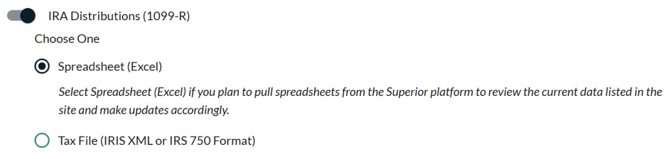
Spreadsheet Method: Your organization can download distribution and/or FMV/deposit spreadsheets from the Superior platform to review the current data listed in the platform and make updates accordingly to those records. (Superior will then submit your information returns in the new IRIS XML file format to the IRS on your behalf.)
-
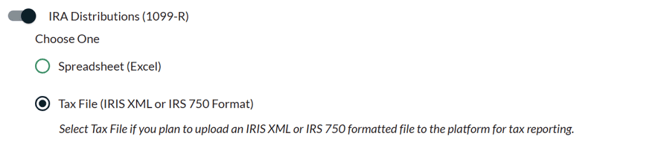
Tax File Method: Your organization can upload either an IRIS XML file or IRS 750 formatted file to the Superior platform for the 1099 and/or 5498 series reporting and review/correct any mismatching values that may occur from that file upload. (Superior will then submit your information returns in the new IRIS XML file format to the IRS on your behalf. )
File Specifications:
-
IRIS XML Format: Follow the steps outlined on the IRIS E-Filing page.
- IRS 750 Format: Follow the guidelines outlined in Publication 1220 from the previous tax year.
-